Browse Markets
Find live outcome markets and open a market detail screen from Telegram.
Outrive shows active outcome markets that have not settled.
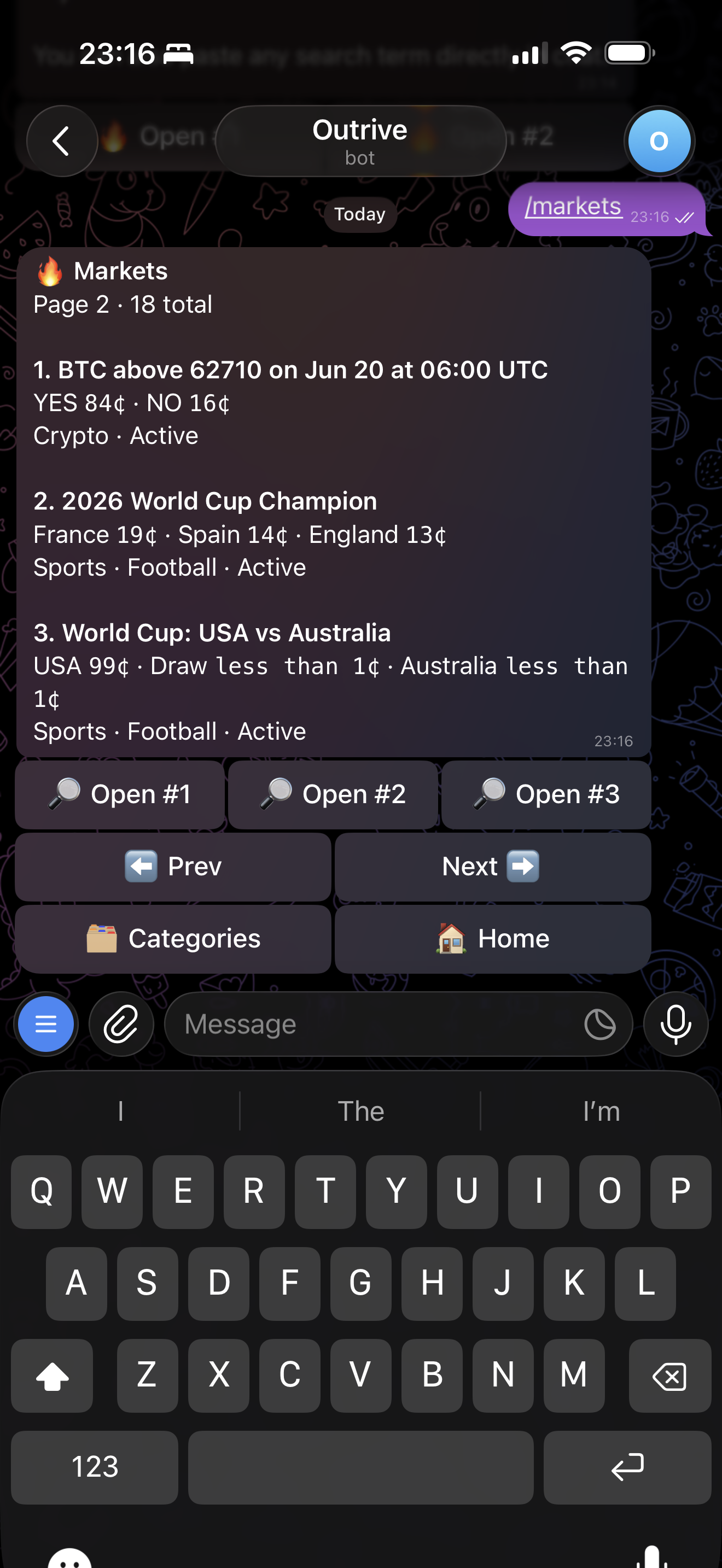
Market Cards
Each market shows:
- Market title
- Category
- YES and NO prices
- Live status when available
Markets that have already settled should not appear in browse or trending lists.
Market Detail
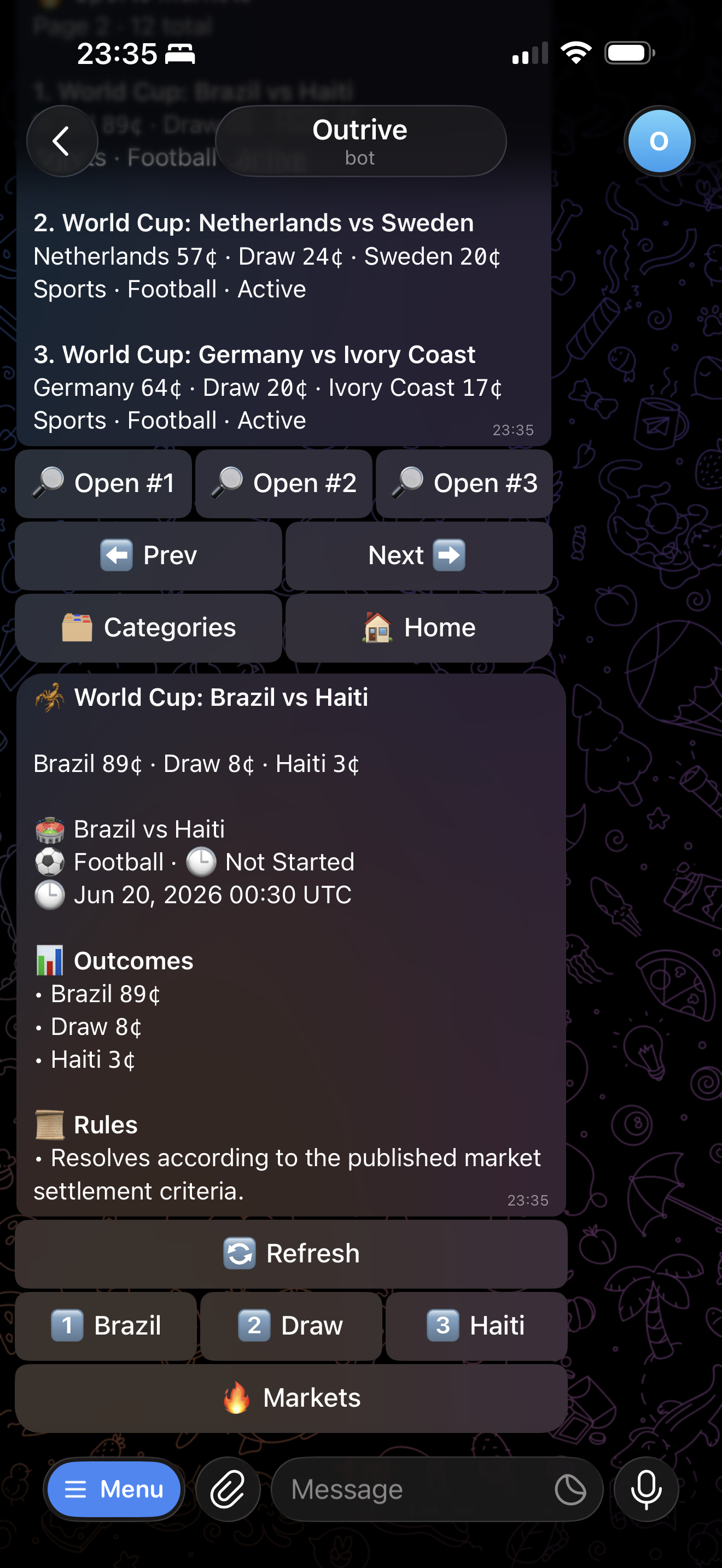
Open a market to view the available outcomes and choose a side.
Use Chart to view the top YES outcomes as a probability chart.
See Charts for the full chart flow.
Sports Market Detail
When a fixture is linked, the market detail screen can show match context such as the teams, kickoff time, current match status, score, and match clock when live data is available.
For football, Outrive uses the linked fixture to keep the market detail aligned with the match state:
- Before kickoff, the market shows the scheduled match context.
- During the match, the detail can reflect live score and status changes.
- After full-time, the market stops behaving like a live match and follows the normal settlement flow.
Match Alerts
Sports market detail can include a Match Alerts button.
Enable it when you want Telegram notifications for that fixture. Alerts can cover important match events such as kickoff, goals, half-time, extra time, penalties, and full-time.
Use /alerts to view and remove match alerts you have already enabled.
Rules
The market detail includes the resolution summary when available.
For sports markets, always read the rules before trading. The market title may look like a simple match winner market, but settlement still follows the published outcome rules.
Next: Charts