Turbo Mode
Enable faster trading by skipping confirmation screens.
Turbo mode makes trading faster.
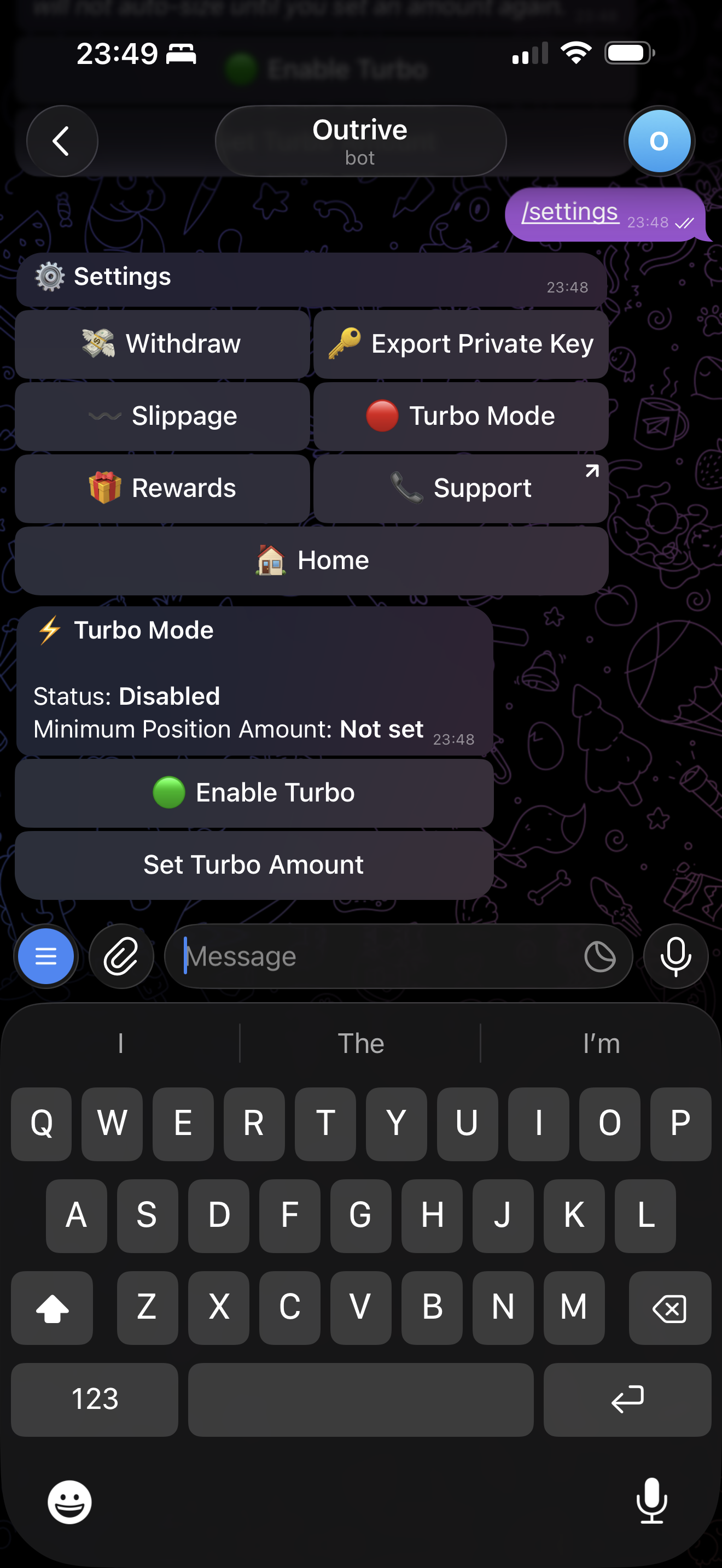
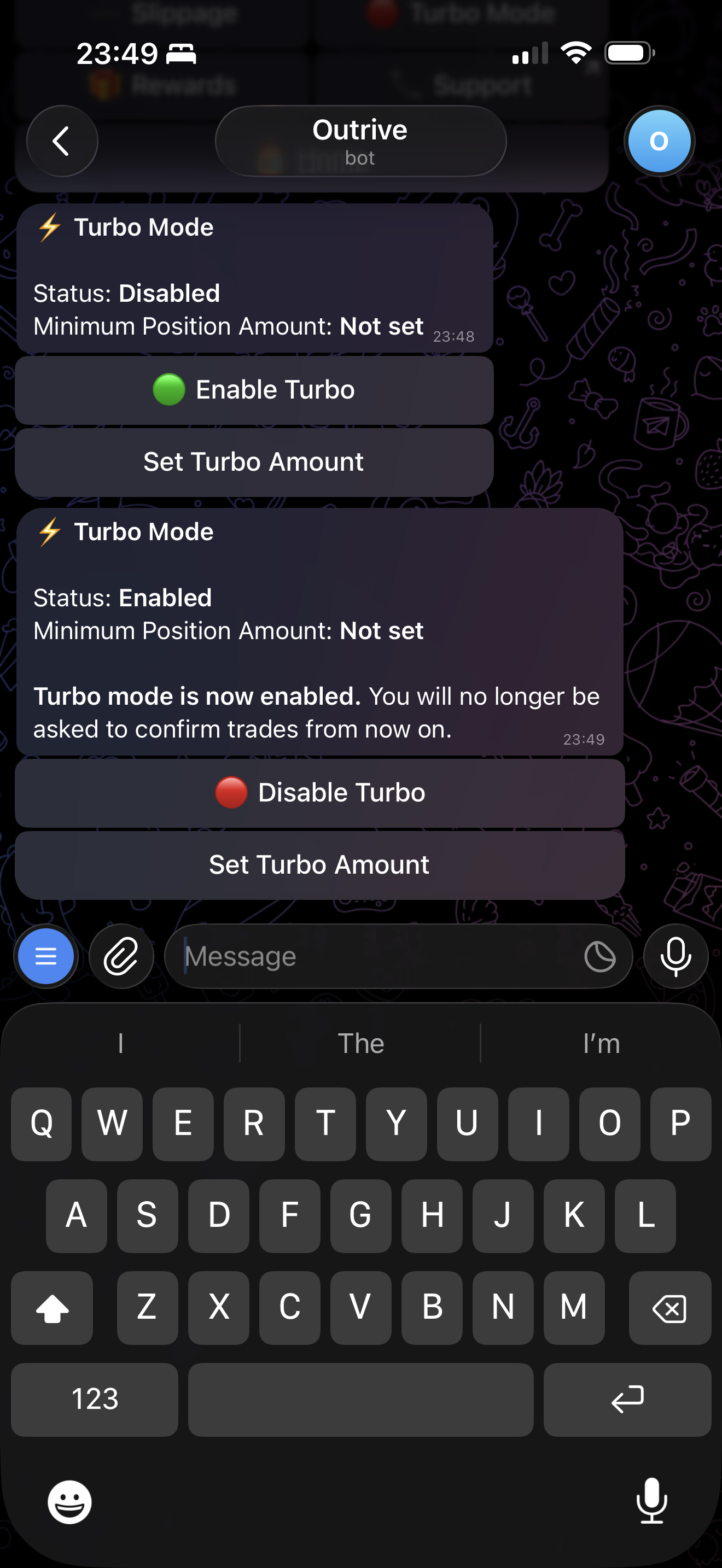
When turbo mode is enabled, supported actions can skip confirmation screens.
Turbo Amount
You can set a turbo amount for YES and NO taps.
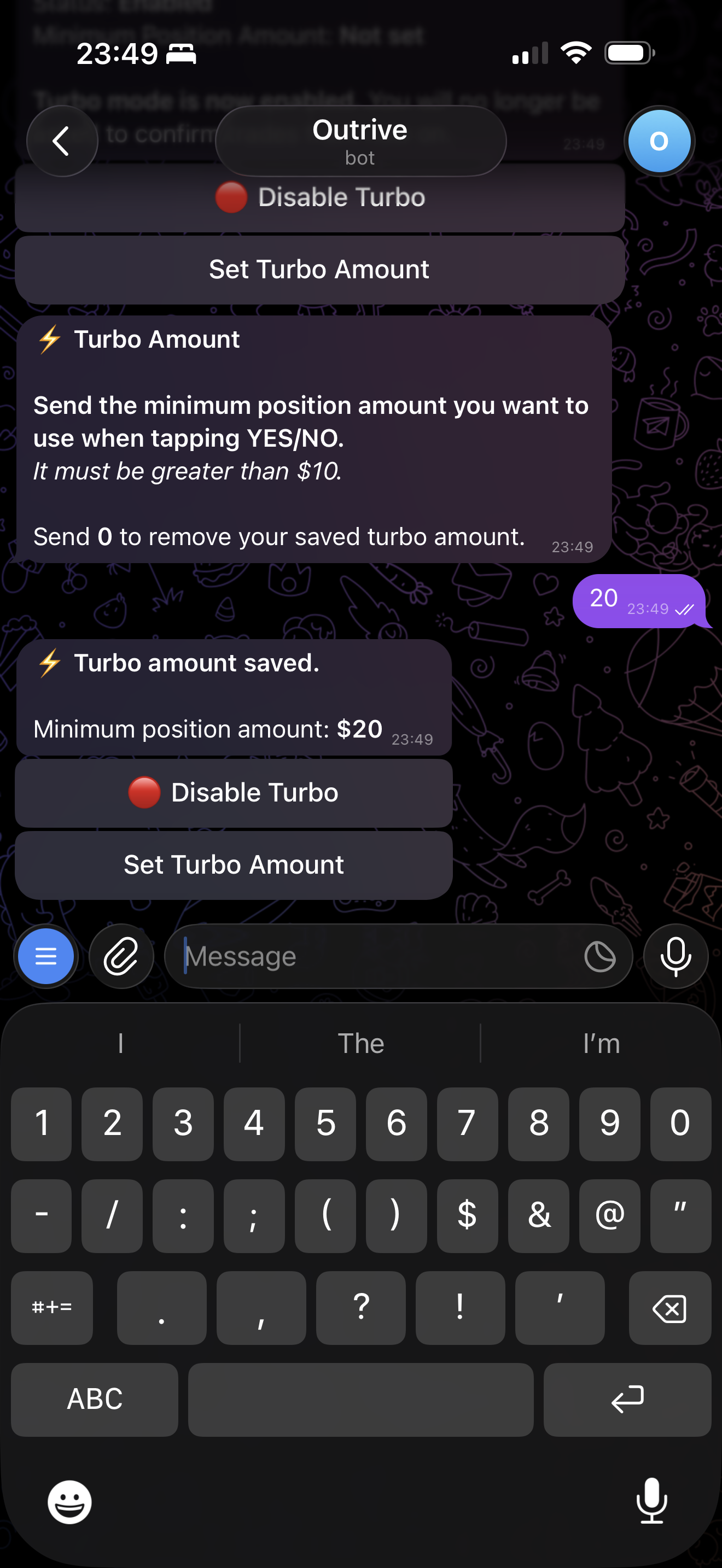
When a turbo amount is set, tapping YES or NO submits immediately with that amount. If the account balance is not enough, the order is rejected.
To remove the turbo amount, enter 0.
Next: Troubleshooting