Withdrawals
Withdraw USDC from Hyperliquid to another Hyperliquid address or to Arbitrum.
Use the withdrawal flow when you want to move USDC out of your Outrive trading wallet.
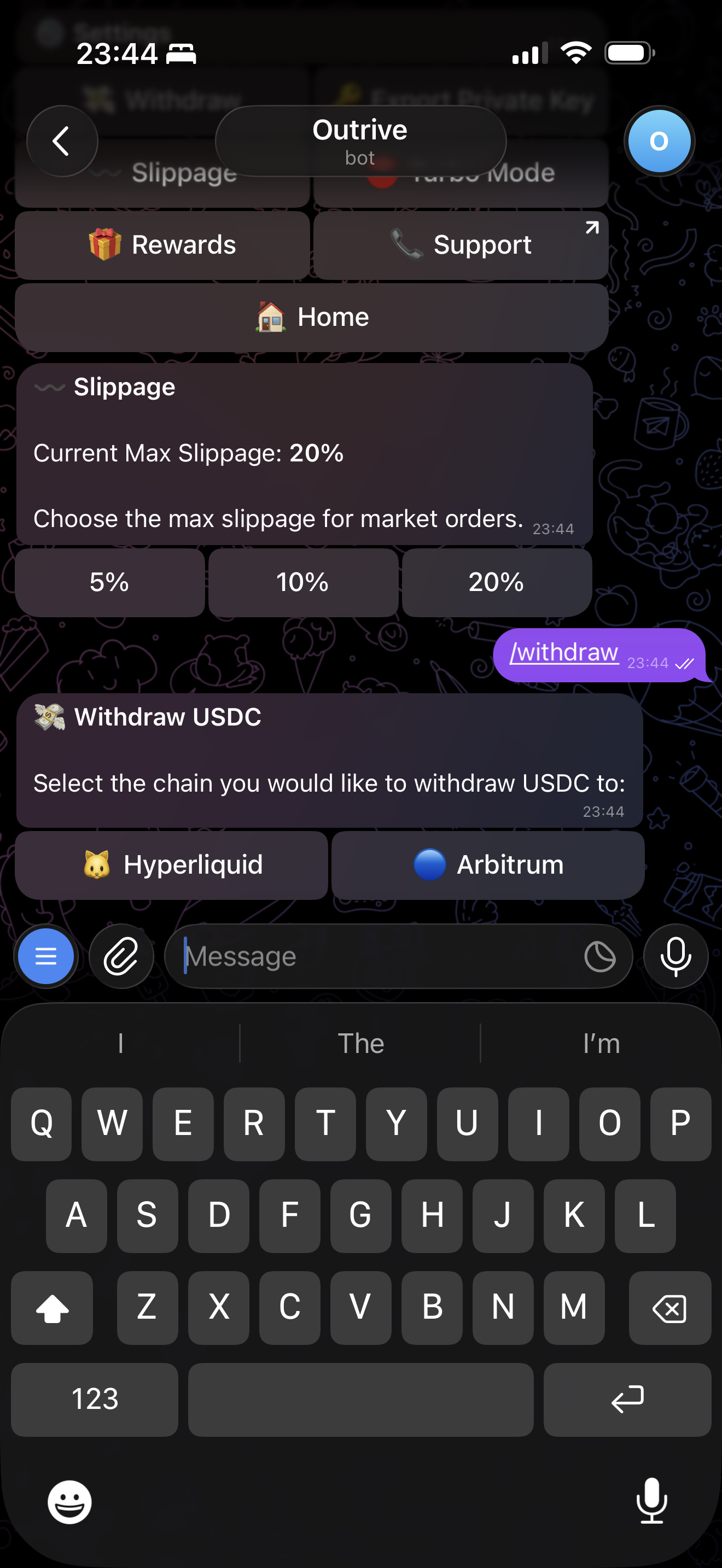
Choose Destination Chain
First, choose whether the withdrawal is going to Hyperliquid or Arbitrum.
Paste Address
Paste the destination address.
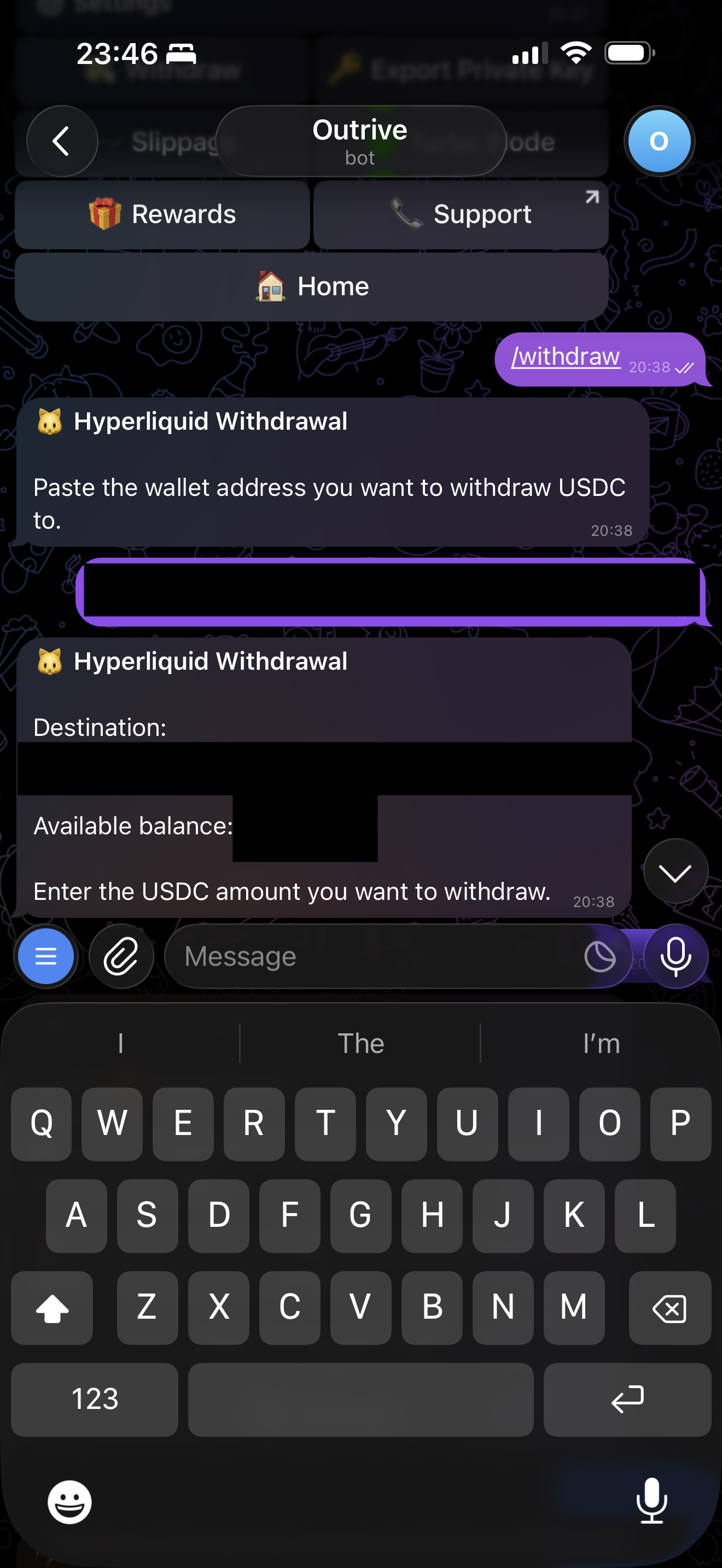
Enter Amount and Authorize
Enter the USDC amount and authorize the withdrawal.
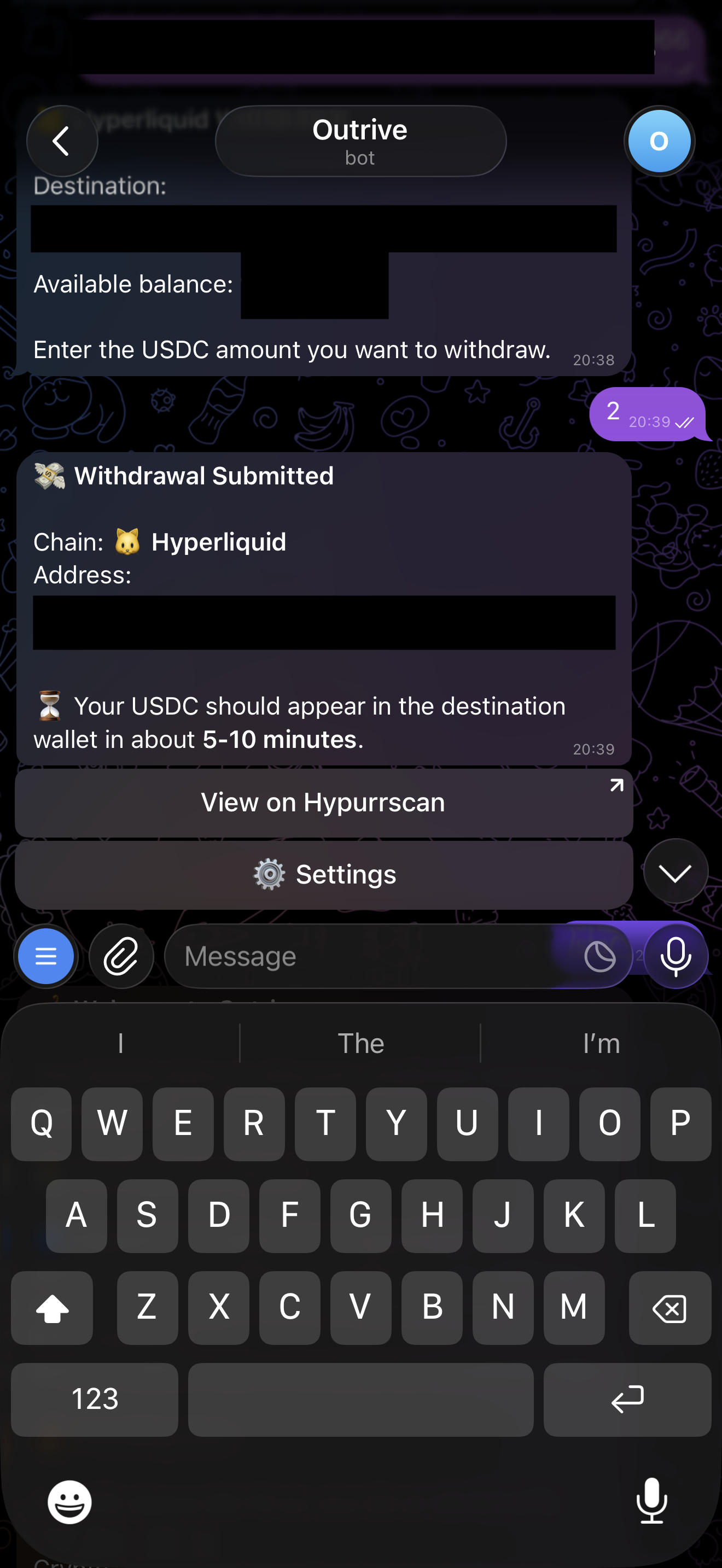
Vault Approval
If Vault is enabled, Telegram sends a browser approval link after the withdrawal details are ready.
Open the link within 5 minutes and approve with your passkey. The withdrawal is submitted from the browser after approval.
Hyperliquid Withdrawals
Hyperliquid-to-Hyperliquid transfers happen inside Hyperliquid.
Arbitrum Withdrawals
Hyperliquid-to-Arbitrum withdrawals use Hyperliquid's withdrawal flow. Hyperliquid charges the withdrawal fee on the Hyperliquid side.
Next: Vault