Trading
Place market orders from Telegram by selecting YES or NO.
Open a market and tap YES or NO.
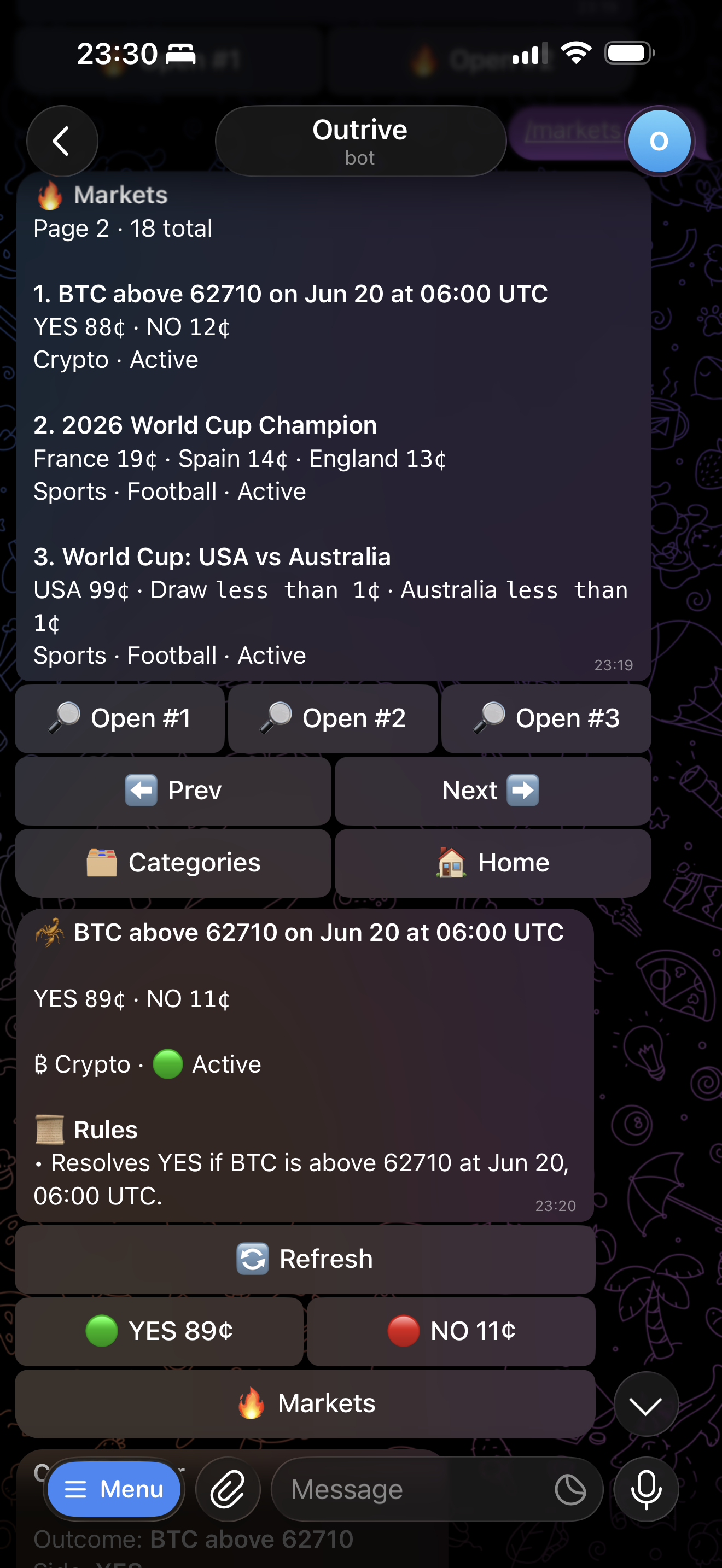
Use Charts before trading when you want to see recent YES outcome movement.
Choose Execution Type
After choosing YES or NO, select Market or Limit.
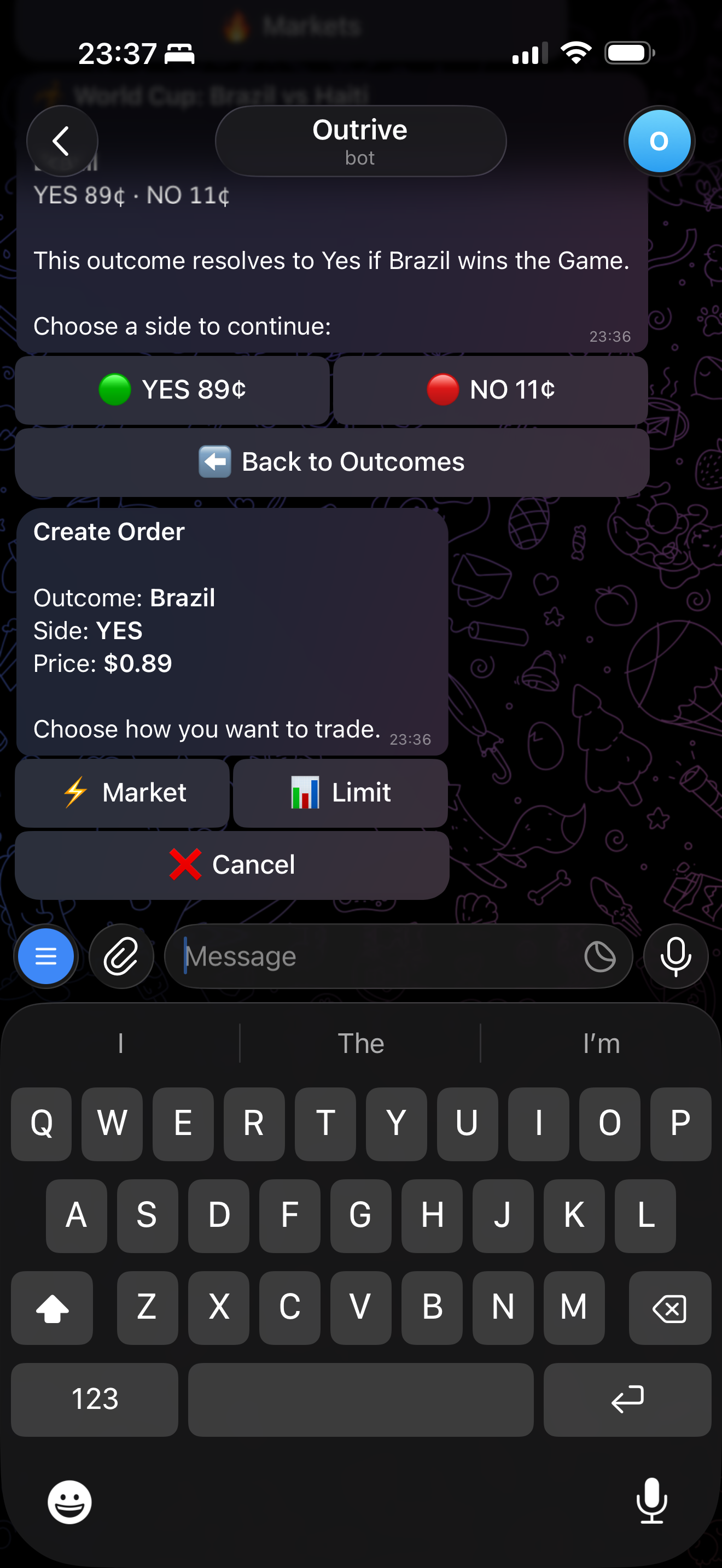
Market Orders
Market orders are designed for speed. Outrive shows share buttons based on the market you selected, and you can choose one of those share sizes or enter a custom share amount.
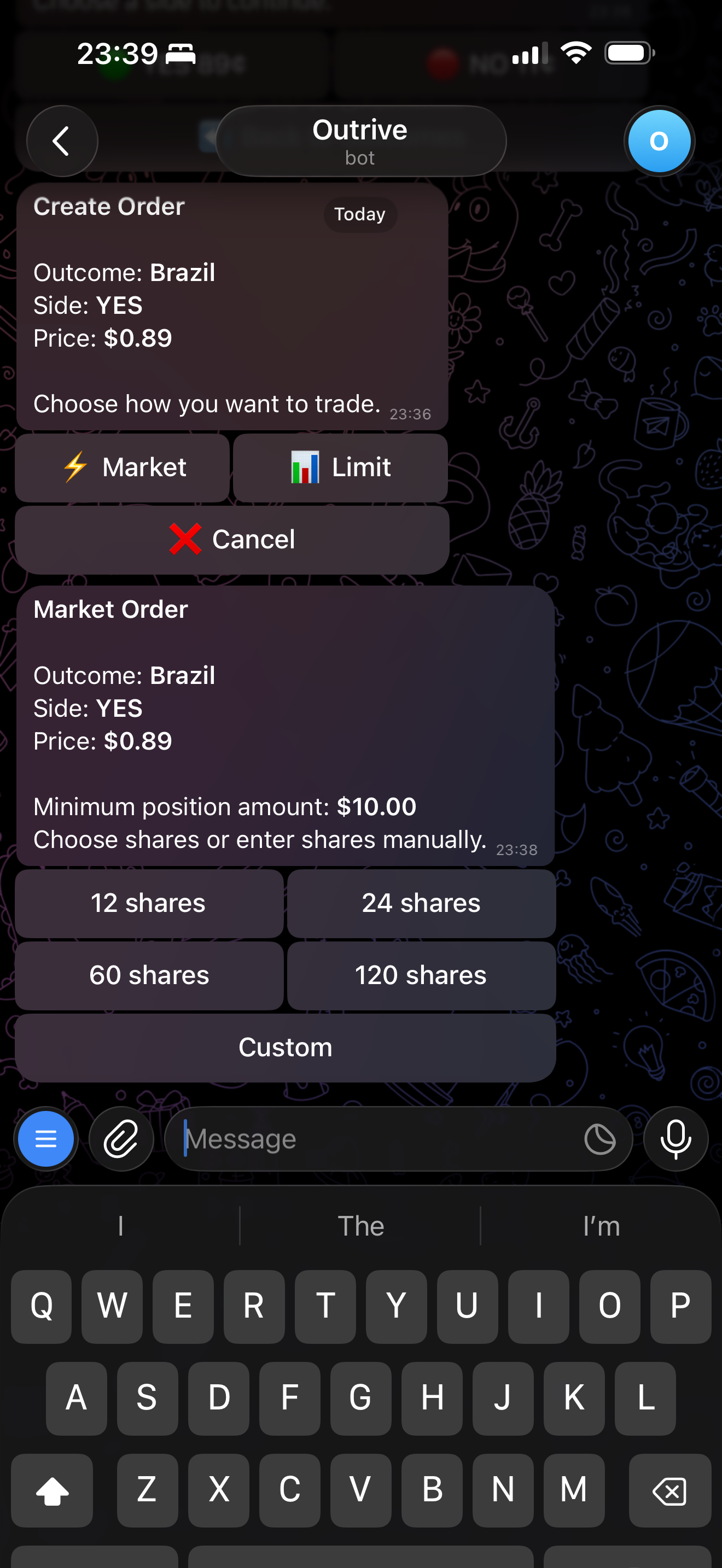
Minimum Position Amount
Outcome orders have a minimum value of 1 USDC. The bot uses this to calculate the minimum number of shares shown in the trading flow.
Sizes are whole shares for outcome markets. You are choosing shares, not entering a dollar amount.
Fees
Trade with 0 builder fee on Outrive. The volume-based fee tiers are currently inactive. See Fee Tiers for details.
Confirmation
When turbo mode is disabled, Outrive shows a confirmation screen before submitting.
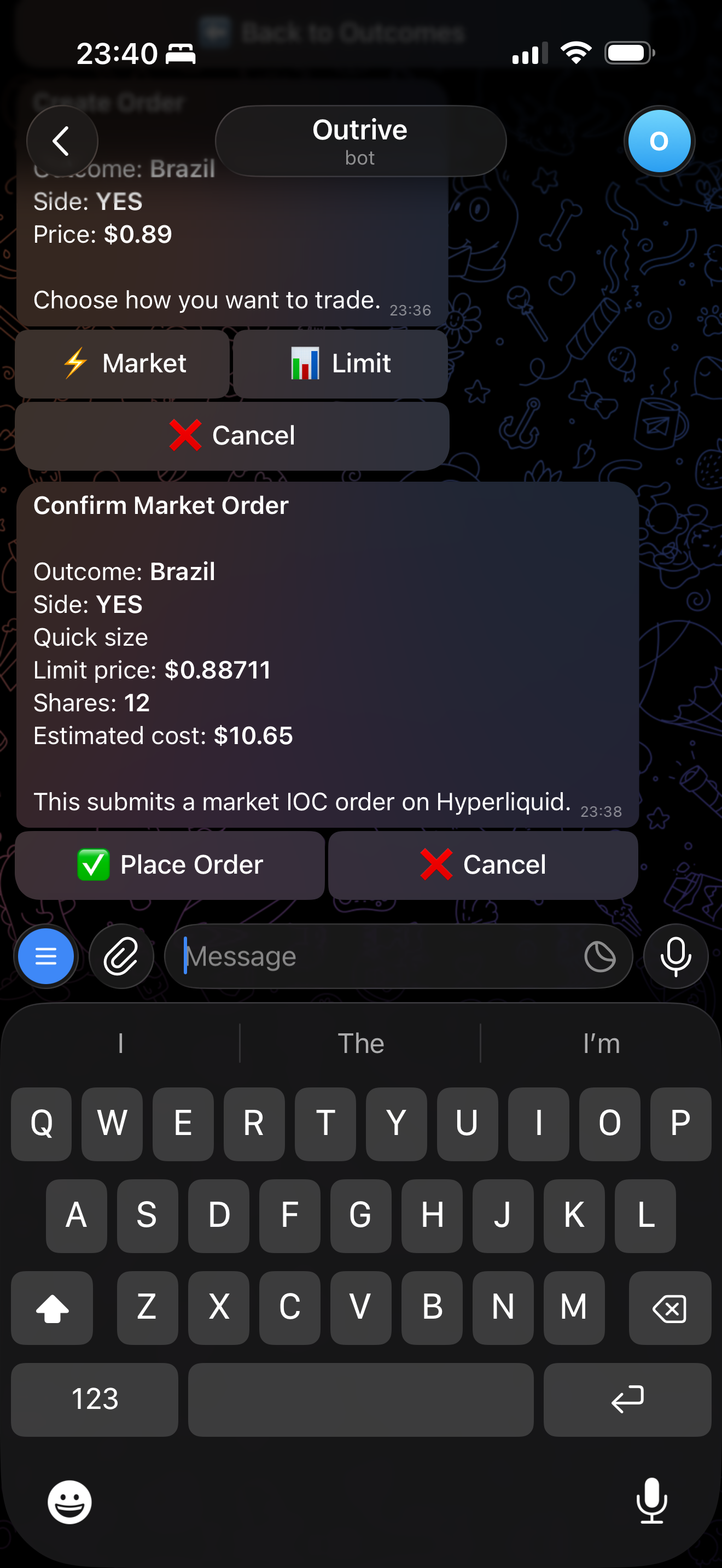
After the order is submitted, the bot returns the execution result.
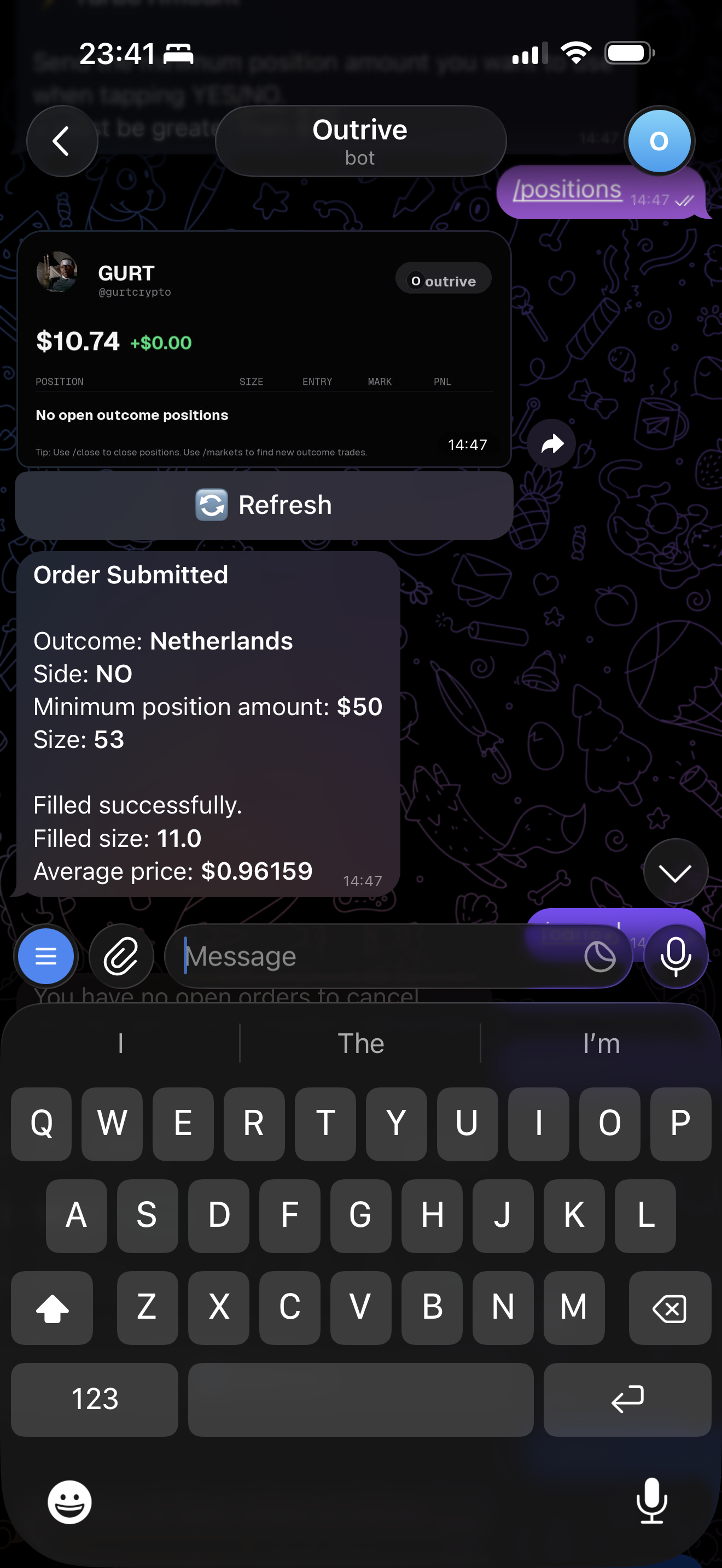
Share As Call
After a backed order is submitted, Outrive can show Share as Call.
For filled market and limit orders, the call uses the actual average fill price. For resting limit orders, the call uses the limit price you placed.
Calls are posted to a group so other users can tail, fade, view the chart, or open the market.
See Calls for the group flow.
Slippage
Slippage is sent with market order and close requests from Telegram. The default max slippage is 10%.
Higher slippage can make market orders more likely to fill, but it can also allow worse execution prices.
See Slippage for the full settings flow.
Turbo Mode
Turbo mode is for faster execution. When it is enabled, supported actions can skip confirmation screens.
See Turbo Mode for the full flow.
Next: Calls