Start the Bot
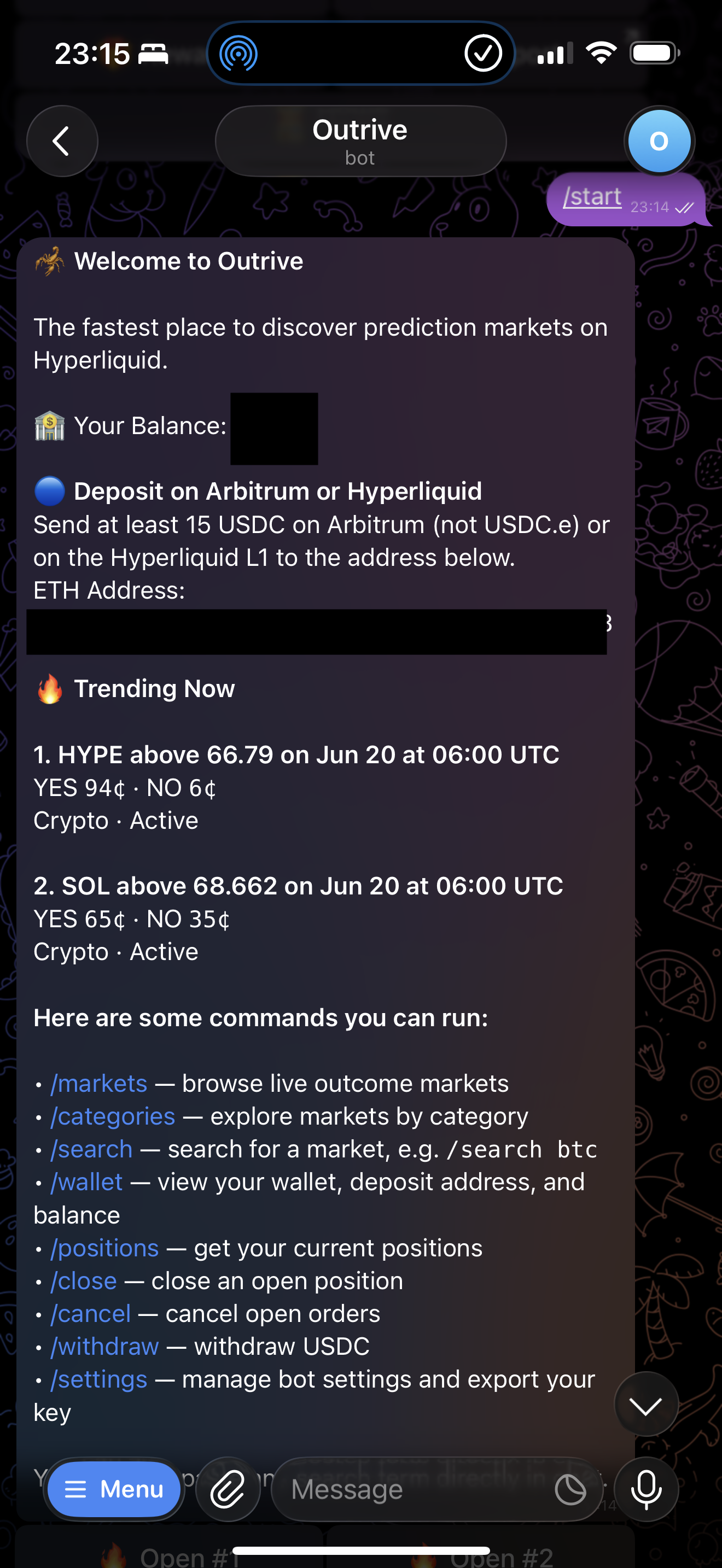
Use /start to create or refresh your Outrive Telegram wallet.
Send /start to the Outrive bot.
If this is your first time, Outrive creates your wallet and returns the address you can fund. If you already have an account, /start refreshes your Telegram profile and wallet state.
What Happens on Start
- Your Telegram profile is registered or refreshed.
- Your wallet address is returned.
- Your current balance is shown.
- Trending markets are loaded.
- Your settings are loaded.
Deposit Address
The ETH address shown in the bot is your deposit address for:
- Arbitrum native USDC deposits
- Hyperliquid account deposits
For Arbitrum, only send native USDC on Arbitrum.
First Deposit
After your first Hyperliquid balance is available, Outrive prepares the trading authorization needed to place orders from the bot. You do not need to manually approve this in Telegram.
Next: Wallet and Deposits