Private Key Export
Export your wallet private key from Telegram settings.
Private key export lets you use your Outrive wallet outside the bot.
Open the export flow from settings.
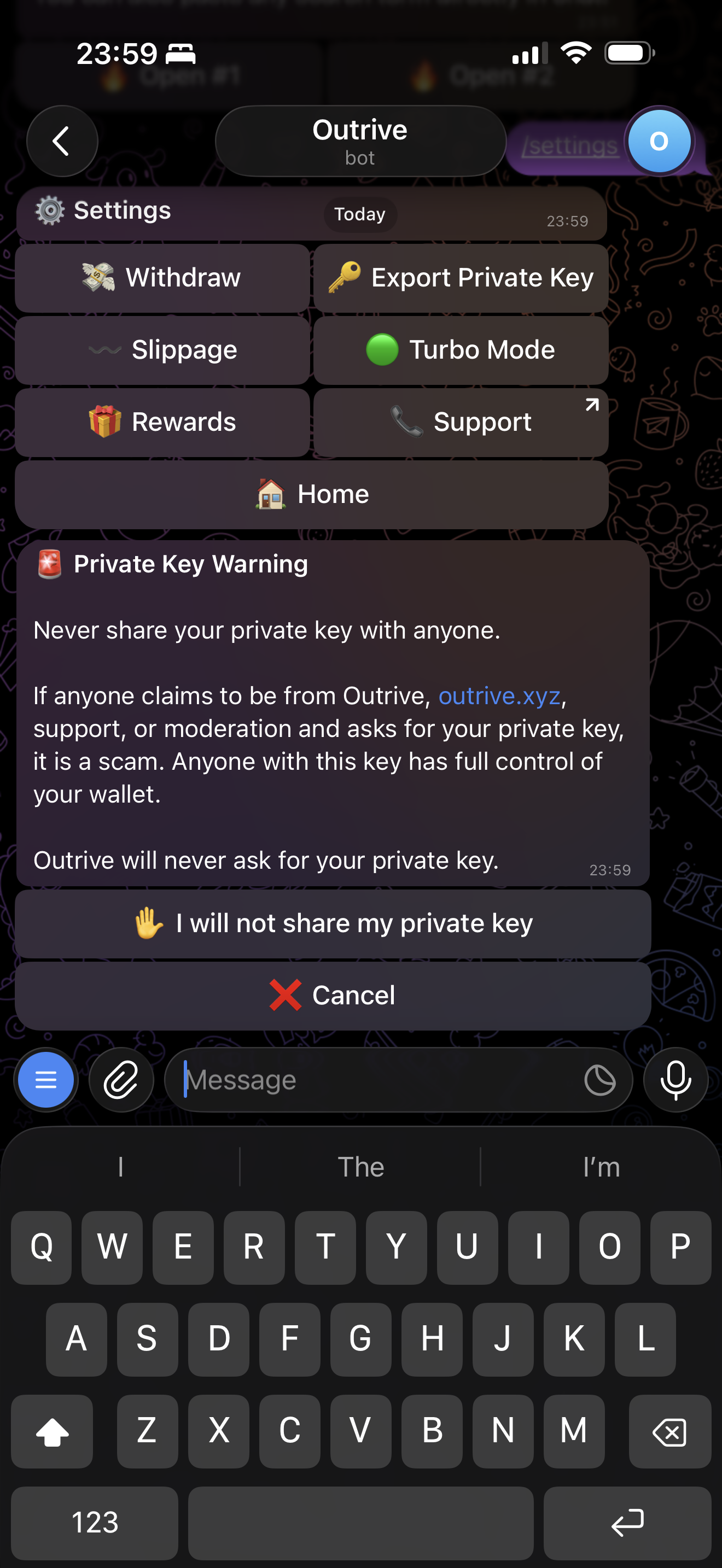
Vault Approval
If Vault is enabled, the bot sends a browser approval link instead of showing the private key in Telegram.
Open the link within 5 minutes and approve with your passkey. The private key is shown in the browser after approval. Copy it, store it somewhere private, and close the page when you are done.
Verify and Export
If Vault is not enabled, the bot asks you to verify before showing the private key in Telegram.
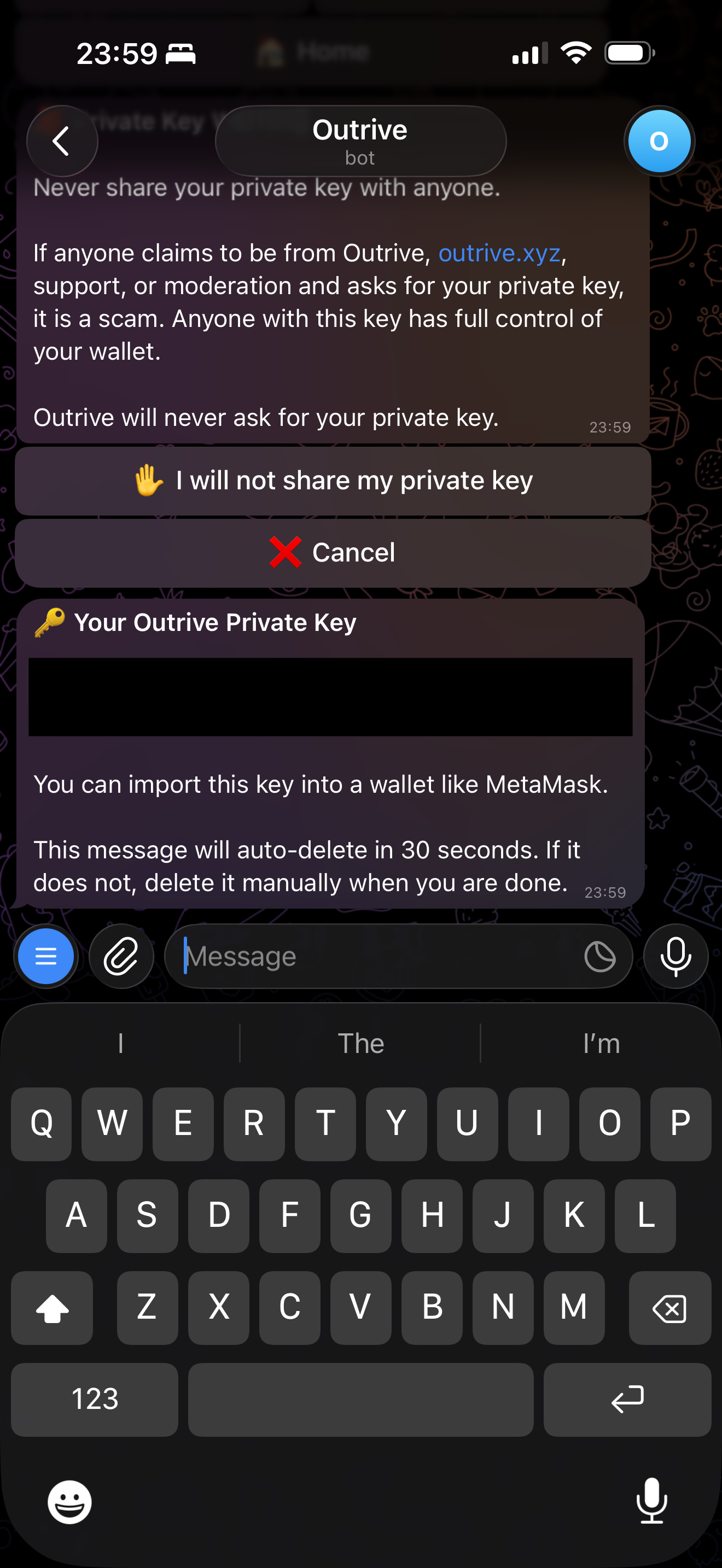
Only export your private key in a private chat and never share it with anyone.
Read Vault for browser approval and Private Key Storage for the technical storage and encryption flow.
Next: Browse Markets