Orders and Cancel
Use /orders and /cancel to view and cancel open limit orders.
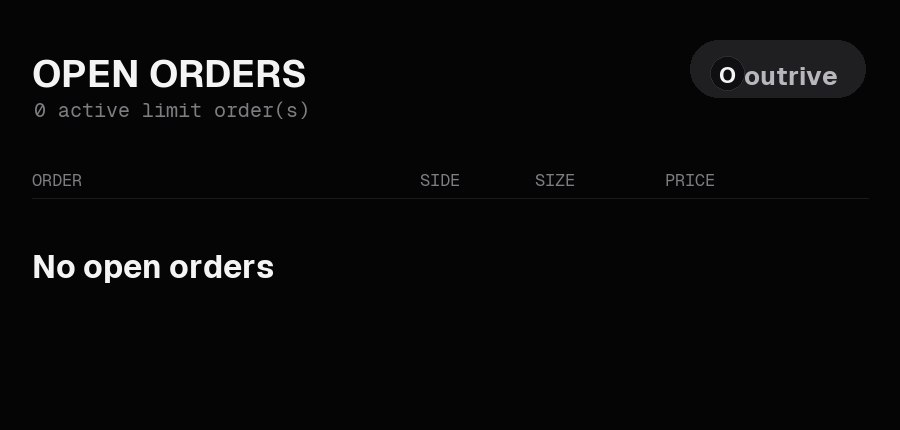
Use /orders to view open limit orders.
Cancel Orders
Use /cancel to cancel open orders.
The bot can cancel a single order or cancel all open orders.
Market orders are designed to fill immediately, so /orders is mainly for limit orders that are still resting on the book.
Next: Withdrawals